
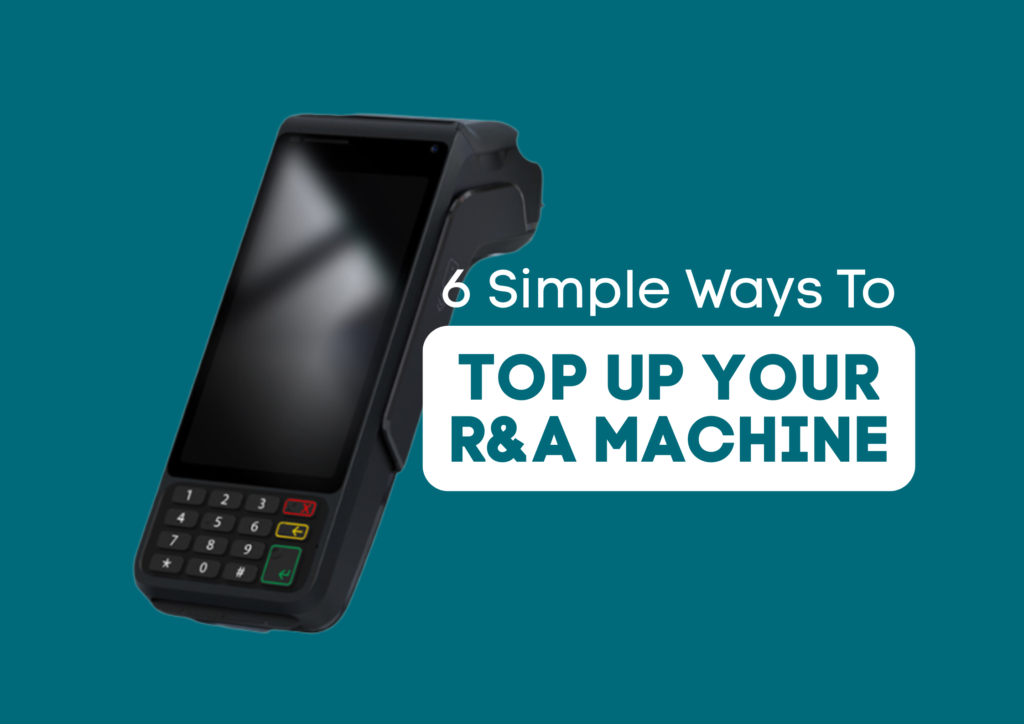
Keeping your R&A machine topped up is essential for running your business smoothly, and the good news is that you do not need to visit a bank to do it. Today, there are multiple convenient options available that allow you to load funds quickly, safely, and at a time that suits you.
From in-store vouchers to mobile apps and payment slips, each method is designed to give you flexibility while keeping your business running without interruption. In this guide, we walk through six simple ways you can top up your R&A machine and keep your services available to your customers.
Running out of balance can slow down your sales, but topping up is quick and accessible directly from your device or nearby stores.
- MoolaPin
MoolaPin is available on all R&A machines and at Boxer stores nationwide. Just walk into a Boxer store and request a MoolaPin voucher. Once you enter the PIN on your machine, the funds load immediately, which means you can continue trading without delays.
How to top-up from your R&A machine:
- Tap Payments
- Tap MoolaPin Recharge
- Enter your Password and press OK
- Enter the PIN from the voucher
- Press PROCEED
- The money will load onto your balance
- SCODE
SCODE allows you to generate a payment slip directly from your R&A machine. You simply take the slip to participating retailers such as Shoprite, Checkers, Usave, or the Post Office, pay the amount, and your balance updates within 15 minutes. It is a practical option if you are already near one of these stores.
How to top-up using SCODE from your R&A machine:
- Tap Payments, then SCODE
- Enter your Password
- Enter the amount you want to deposit or leave the amount open
- Press PROCEED
- Print the SCODE slip
- Take the slip to a Cashier and request a SCODE payment:
- Shoprite
- Checkers
- USave
- SAPO
- House & Home
- OK Furniture
- EasyPay
With EasyPay, your machine prints a payment number that you can take to stores like Pick n Pay, Boxer or Woolworths. After payment, your balance reflects within 24 hours. This option works well if you are combining your top-up with your regular shopping.
How to top-up using EASY PAY from your R&A machine:
- Tap Payments, then EasyPay Top‑Up
- A slip with an EasyPay number will print
- Give the slip to the cashier at:
- Pick n Pay
- Boxer
- Ackermans
- Game
- Makro
- Woolworths
- Boxer Powerload
Powerload vouchers are available at Game, Makro and Boxer stores. Once purchased, you enter the PIN on your R&A Machine and the funds reflect immediately. It is a fast option, especially if you prefer working with prepaid vouchers.
How to top-up using a POWERLOAD Voucher from your R&A machine:
- Buy a Powerload voucher (minimum R500) from any cashier at the following stores:
- Game
- Makro
- Boxer
- Tap Payments, then Powerload
- Enter the Powerload PIN
- Press PROCEED
- Shop2Shop (TOP UPS)
Using the Shop2Shop app, you can send funds directly to your R&A machine by selecting Top ups. Select R&A Cellular enter your device reference number, and your balance updates within five minutes. This gives you a mobile option that you can use wherever you are.
How to top-up using Top Ups on the Shop2Shop App:
- On your Shop2shop Mobile App, select the Top Ups
- Enter the amount you wish to send
- Enter your R&A device REF nr e.g. FP0000/AT0000/DT0000/RA0000/GK0000/SE0000
- Press Pay
- Kazang SuperWallet
The Kazang SuperWallet app allows you to pay R&A as a supplier. Once you enter your reference number and confirm the payment, the funds will reflect within 5 minutes. It is a simple, app-based solution that keeps everything in one place.
How to top-up using the Kazang Super Wallet App:
- Open the Menu: On your Kazang Super Wallet main menu, select ‘Pay Suppliers’ or ‘Supplier Payments’.
- Select Supplier: Choose the specific supplier from the provided list (R&A CELLULAR).
- Enter Details: Enter the required information for the delivery:
- Customer Reference Number (Enter your R&A device REF nr e.g. FP0000/AT0000/DT0000/RA0000/GK0000/SE0000)
- Amount to be paid
- Confirm Payment: Verify the details, and the amount will be immediately deducted from your Kazang SuperWallet balance
Making Selling Easier!
These top-up methods are built around how you already operate. They give you flexibility to choose what works best on the day, whether that is a nearby store or your mobile device, and they help you avoid unnecessary trips to the bank.
If you keep your R&A machine funded using these options, you can continue serving customers without interruptions while managing your cash flow more efficiently.
If you want to make your day-to-day operations smoother and keep your services running without delays, explore all the features available on your R&A machine or speak to us about how to get started.
FAQs
Do I need to visit a bank to top up my R&A machine?
No. You can top up your R&A Machine using a range of options such as vouchers, payment slips and mobile apps, all without needing to go into a bank.
How long does it take for funds to reflect on my R&A machine?
This depends on the method you choose. Some options, like Moolapin and Powerload, reflect immediately, while others, like SCODE and Shop2Shop, update within minutes, and EasyPay may take up to 24 hours.
Where can I make payments for R&A top-ups?
You can make payments at a variety of retail stores, including Boxer, Pick n Pay, Shoprite, Checkers, Makro and more, or use mobile apps like Shop2Shop and Kazang SuperWallet for added convenience.